BUILT FOR GUARD, EP, AND PATROL COMPANIES
Where you run your security company.
EVO TrustGuard keeps every lead, client, quote, contract, post order and invoice in one place. Enter it once and it carries through to the next step.
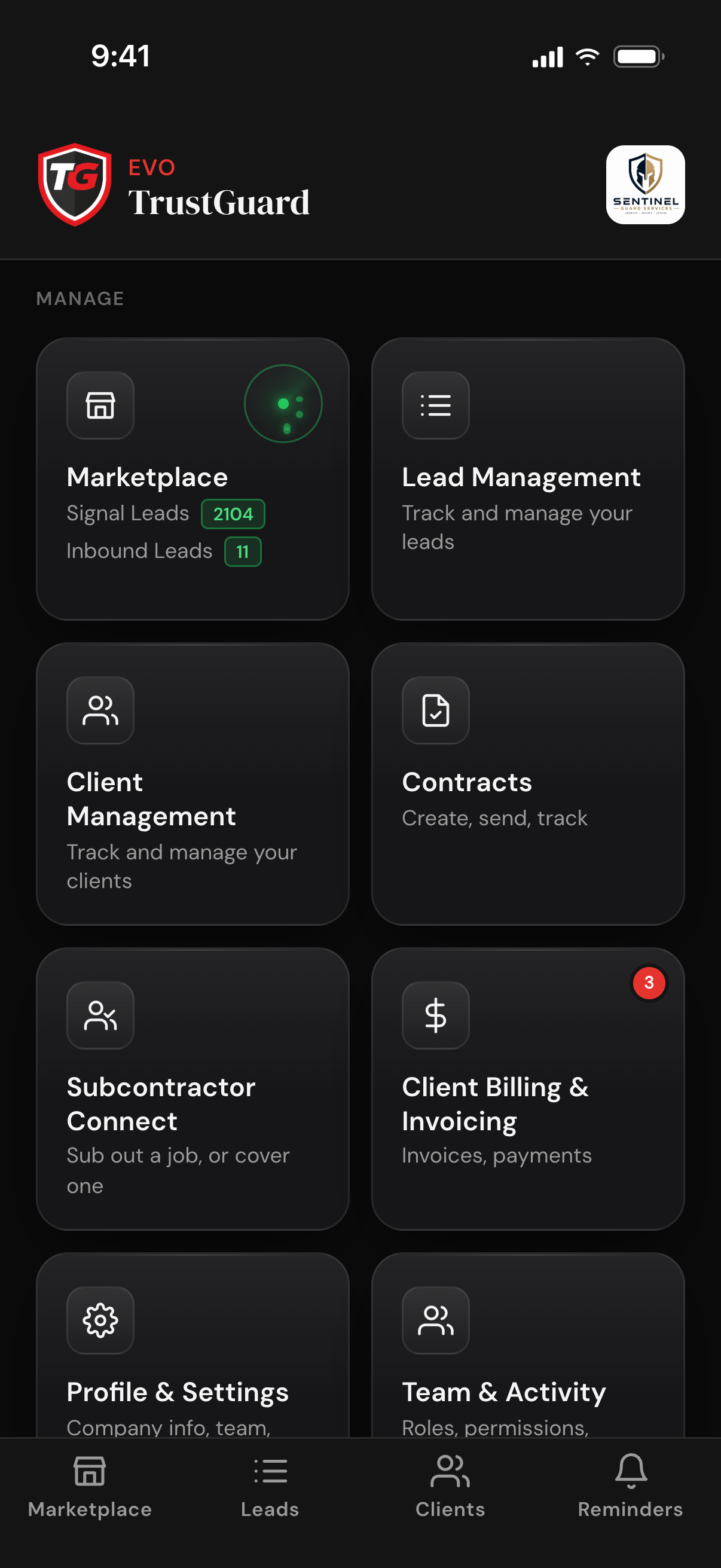
EVO TrustGuard keeps every lead, client, quote, contract, post order and invoice in one place. Enter it once and it carries through to the next step.
When you start a security company, at some point you go looking for the place to run it: where the leads go, where the clients live, where quotes, contracts and invoices come from. Most owners end up with a spreadsheet, a notes app, a document template and an accounting tool that never talk to each other.
EVO TrustGuard is that place. It was built from inside the security industry, from the post to the executive office, and exclusively for guard, EP, and patrol companies.
Read the storyEnter a lead once. The quote, the contract, the post orders and the invoice are all built from what you already entered.
Every lead from every source lands in one feed and is worked the same way.
How leads work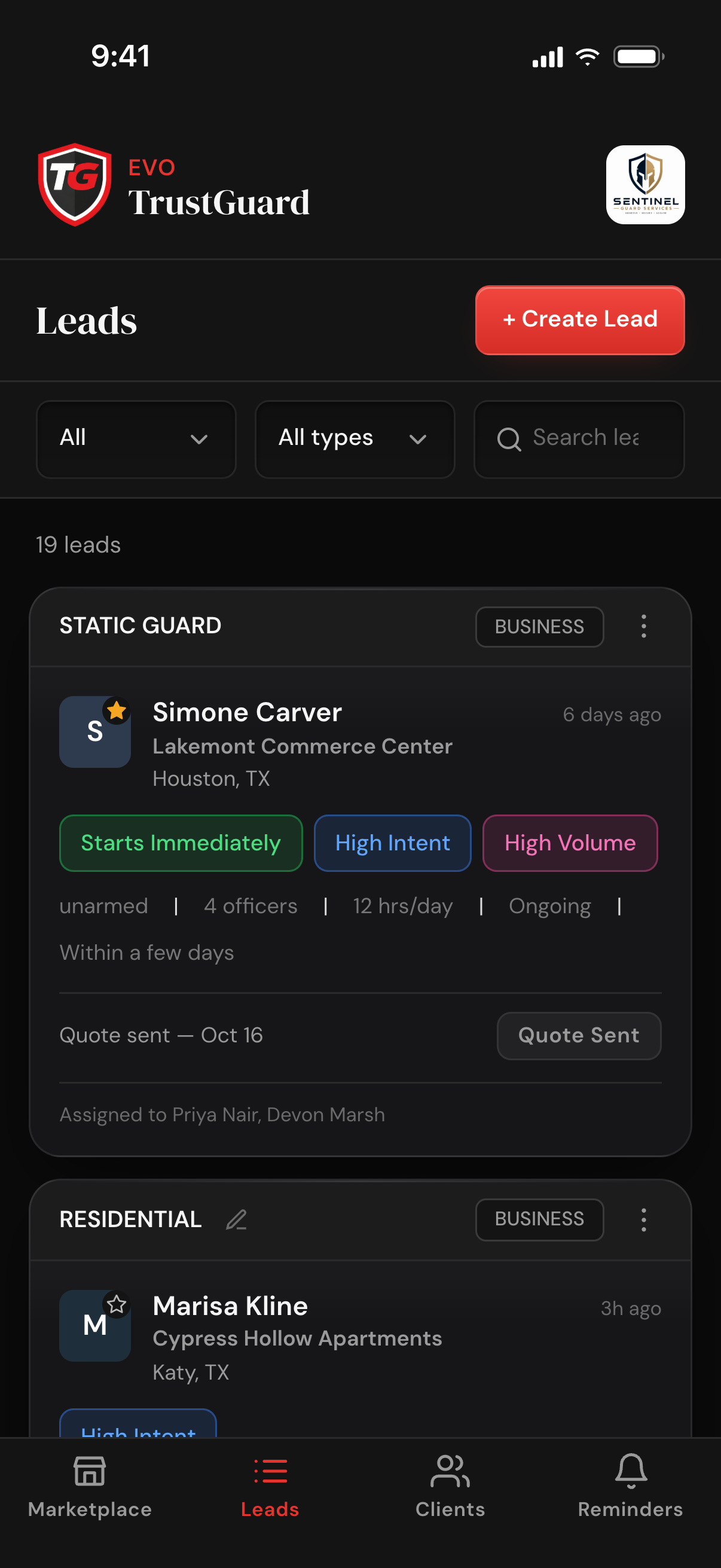
Pick the service, rate, hours and dates. The math does itself and the quote goes out.
How quotes work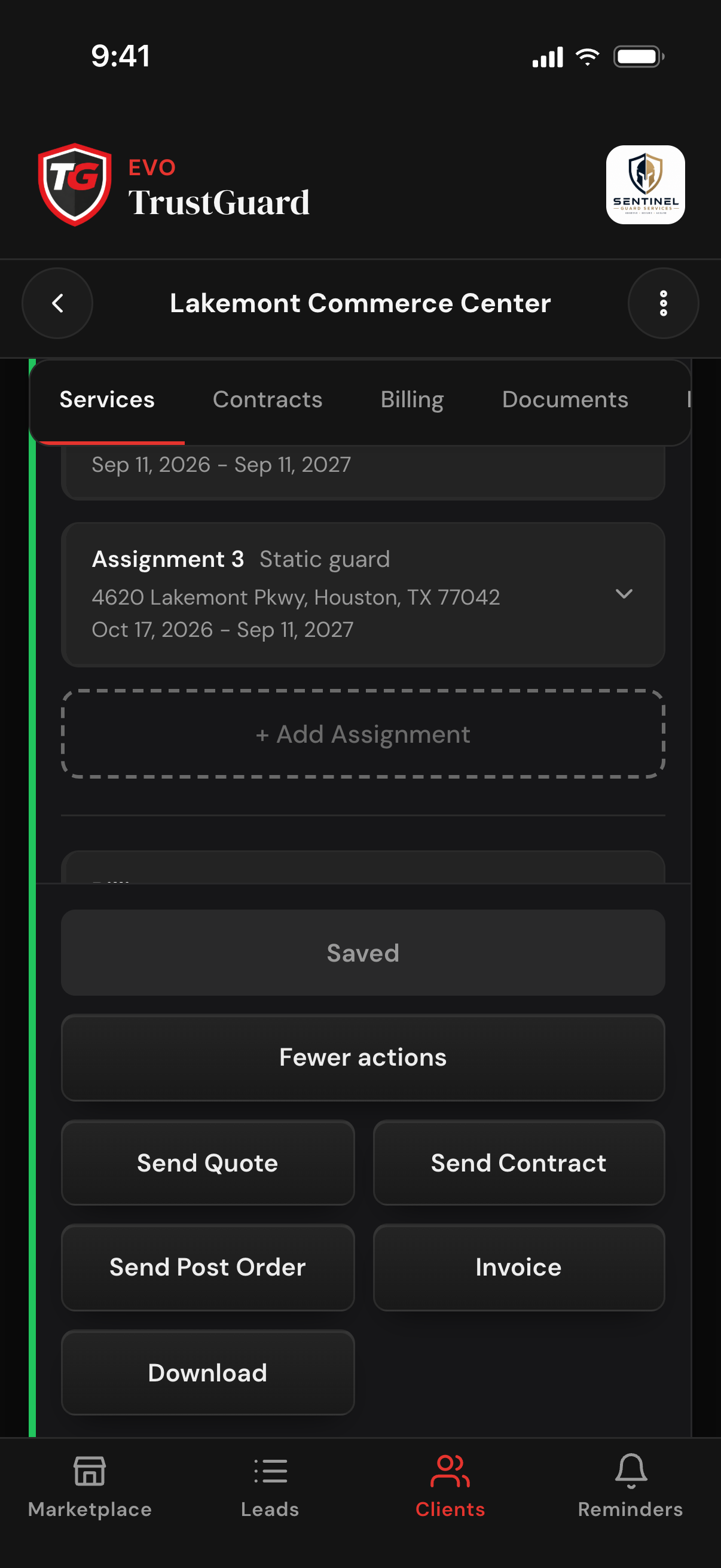
Send the contract for e-signature from the same place you sent the quote.
How contracts work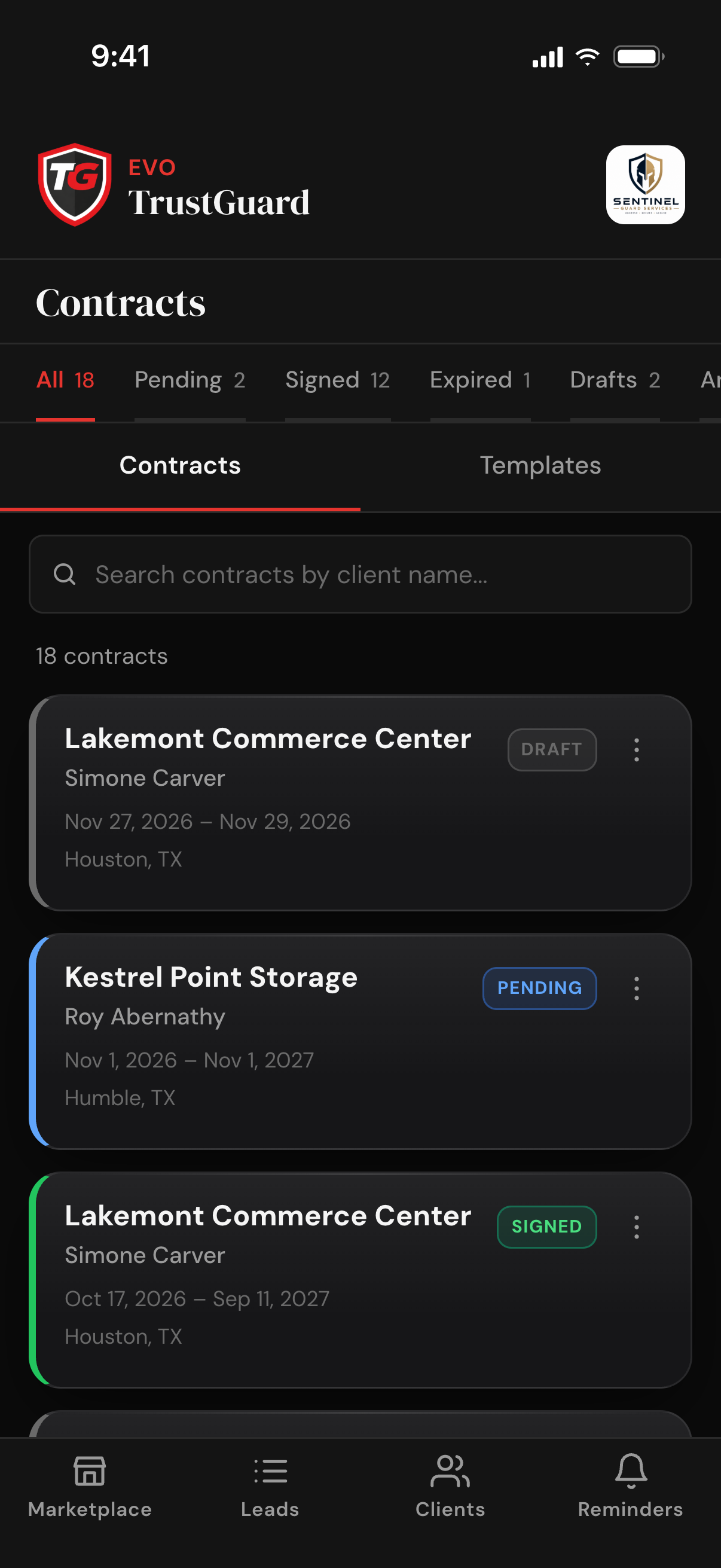
When the job is won, the lead becomes a client, with its contracts, services and history in one record.
How clients work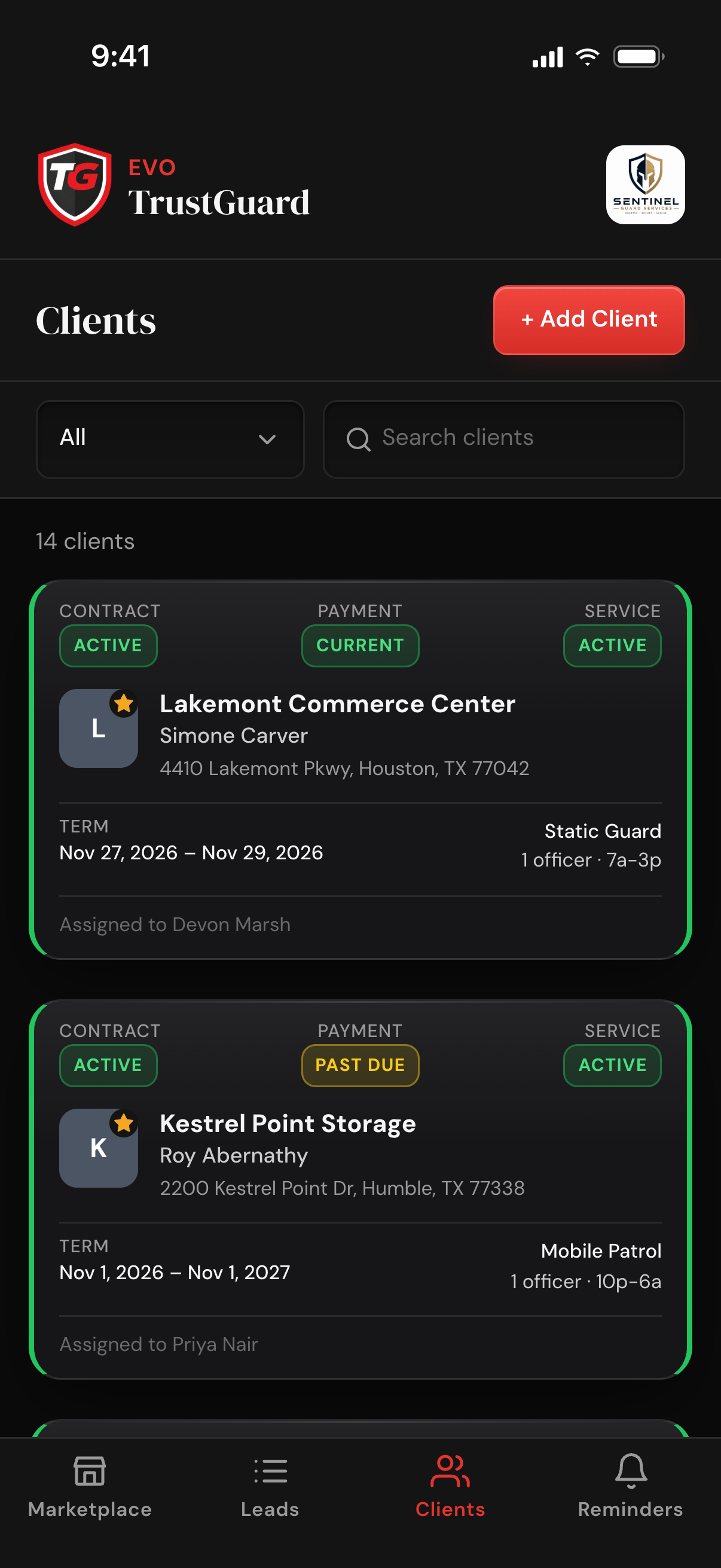
Post orders are generated from the client's information and services, ready to send to your team.
How post orders work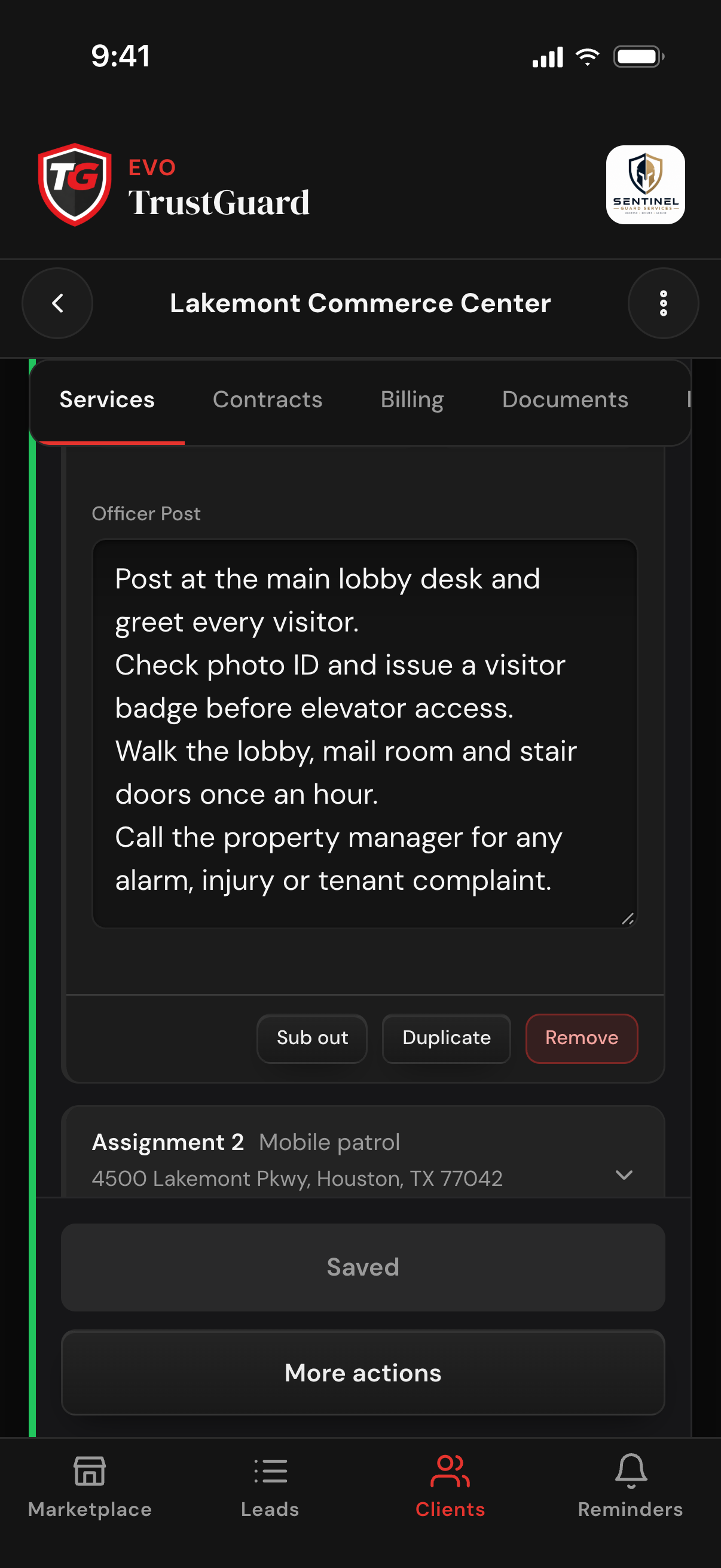
The invoice is built from the service and rates already on the client. With your Stripe account connected, your client pays online from it. Invoice from another platform? Record it here and TrustGuard still tracks paid, pending and overdue.
How invoicing works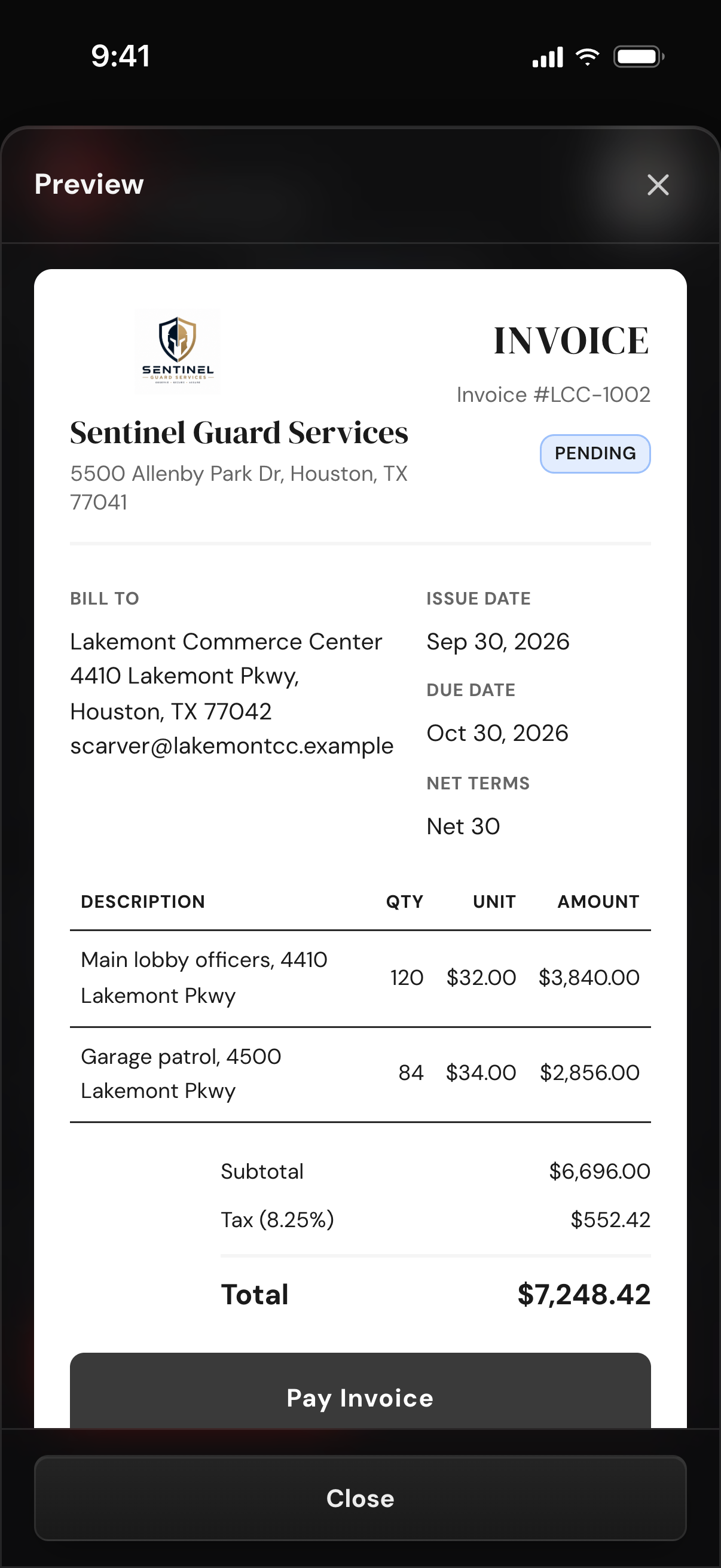
Skip a step or start in the middle. Each one works on its own.
Add managers and reps, set what each one can see and do, and keep an activity log of status changes, assignments and sends.
Team and permissionsUpload licenses, COIs and W-9s once and send any of them from the lead or client page. Every send is tracked.
The document vaultPublish a company page buyers, search engines and AI assistants can read. Each quote request from it lands in your lead feed.
Your profile pageTrustGuard Business runs the whole operation: leads, quotes, contracts, invoicing and your team. One flat price, cancel anytime.
No. You can cancel yourself, anytime, right from your account settings. No phone call, no chat queue, no retention script. We made it easy on purpose: we don't want customers who stay because leaving is a hassle. We want customers who stay because leaving would be a bad business decision.
Yes. TrustGuard is built phone-first. It installs straight from your browser to your home screen in about ten seconds (no app store, nothing to download), and everything (quotes, contracts, invoices, your lead feed) works from the phone in your pocket. Desktop works too; most owners run their whole operation from the phone.
Yes, and it costs nothing extra. Add managers and reps with role-based permissions you control (what they can see, what they can do), all included in the flat monthly price. No per-user fees, ever. You can even send post orders to staff who never log in at all.
Minutes, not migrations. Install the app, add your company details, and you're working: paste your existing leads in from anywhere (our AI organizes them into lead cards for you), add your clients, and send your first quote or contract the same day.
Yes. Create leads directly in TrustGuard or import them from any source: paste the text or upload a file and the AI import builds the lead card for you. Clients are added directly with their contact details, and their services, contracts and billing are set up on the client page.
You do. Export your leads, clients, and invoice history to CSV anytime. Your client list is never sold or shared.
Spreadsheets, folders, generic CRMs, scattered tools, hours of retyping. That doesn't have to be how you run your business anymore. Join the platform that was built for you.
Get started